At a glance
Improved agent efficiency and confidence during live calls
Reduced call handle time and after-call work through clearer real-time guidance
Decreased escalations and improved call quality consistency, reinforced by positive customer feedback
Overview
Date
6 months (2022)
Project Type
UX/UI, Internal Tool, AI Interface
Role
Product Designer
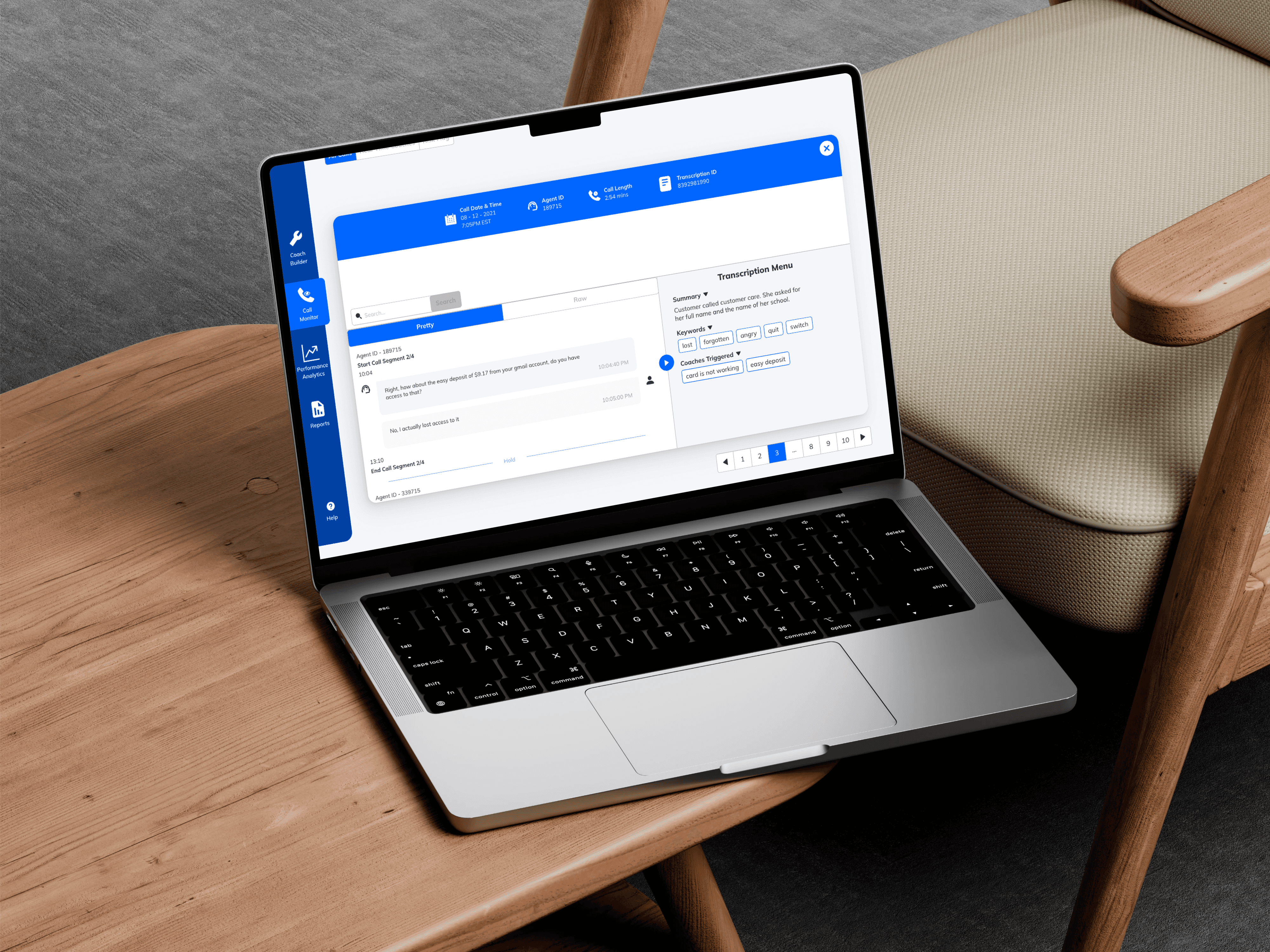
Context
Skills & Tools
Figma, UI Design, UX Improvements, Visual Design
Platforms
Web


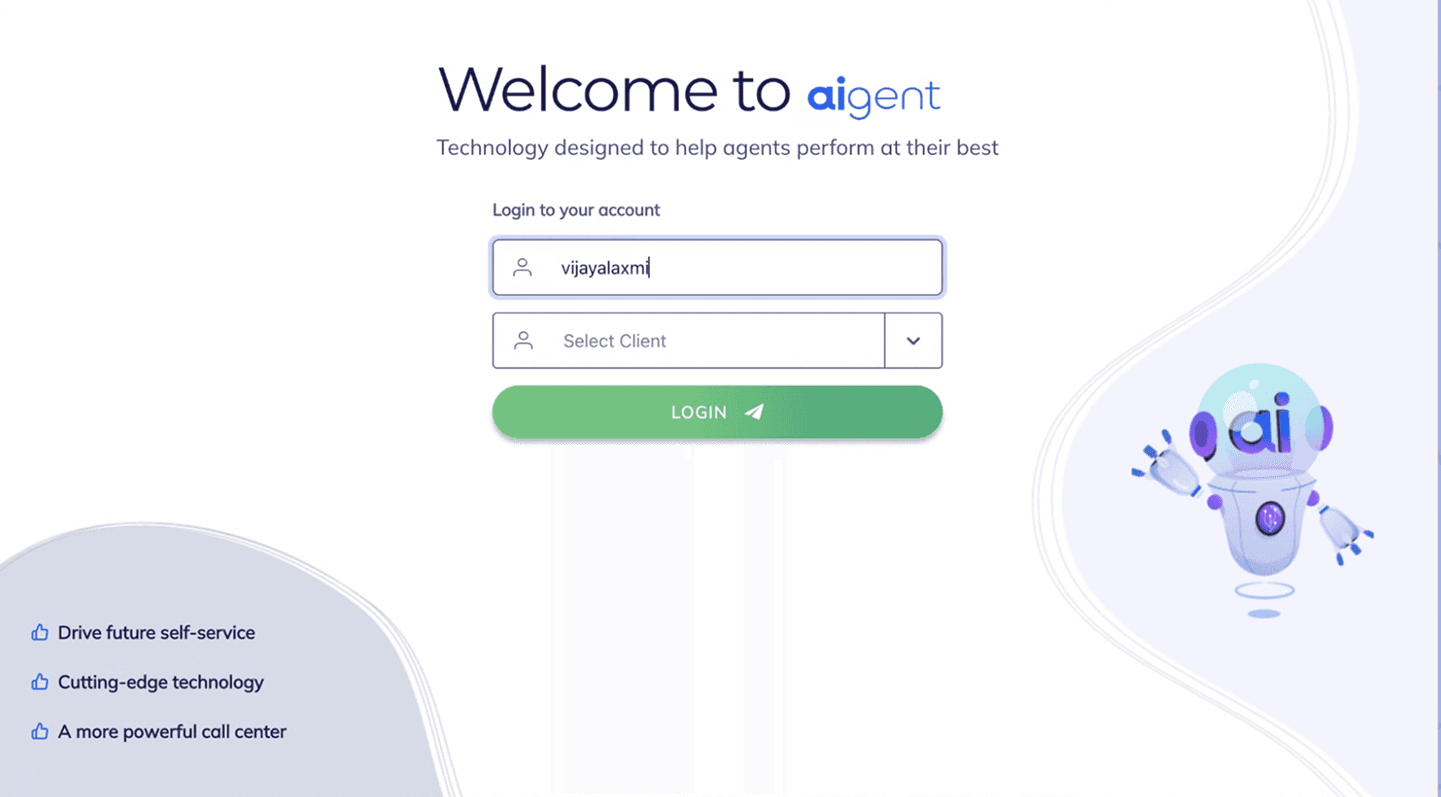
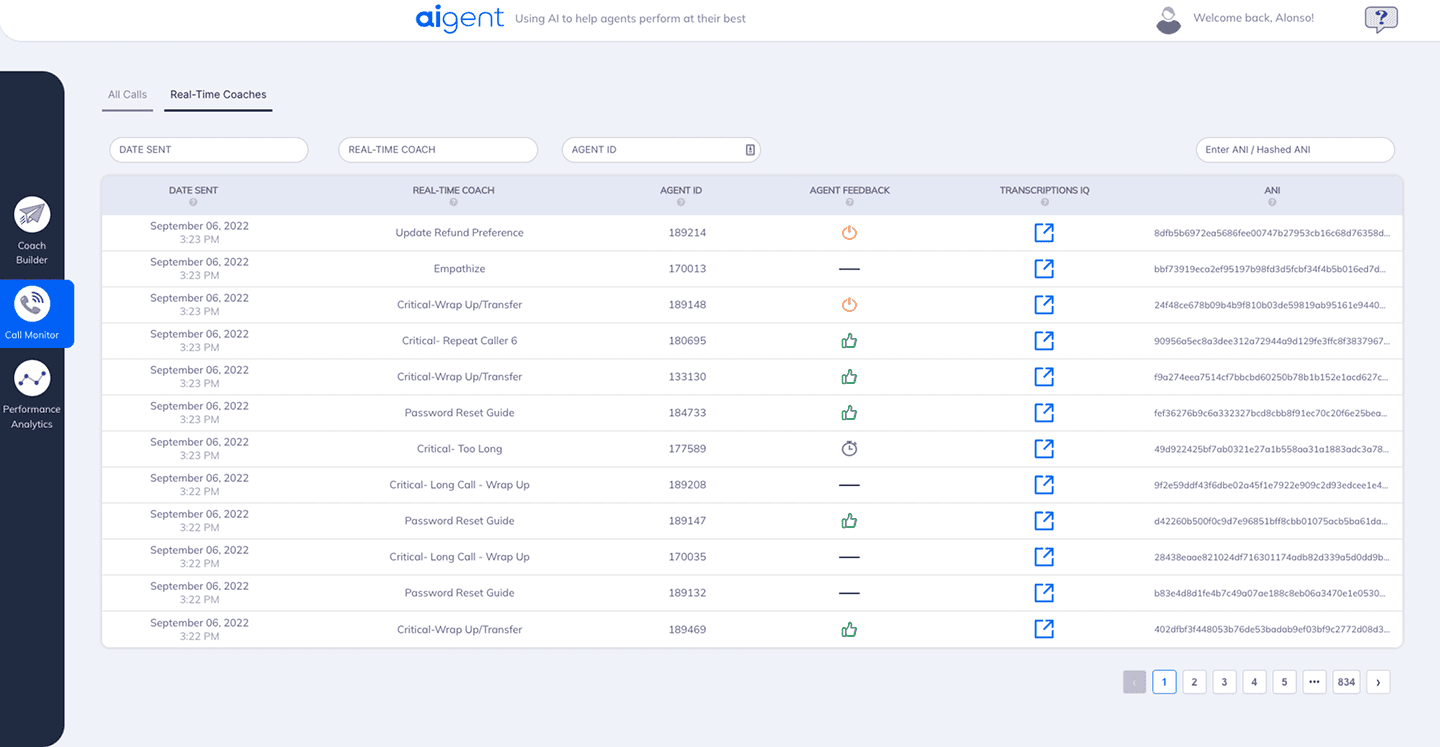
Legacy
Fragmented page layout
Competing decorative elements
Low-contrast input boundaries
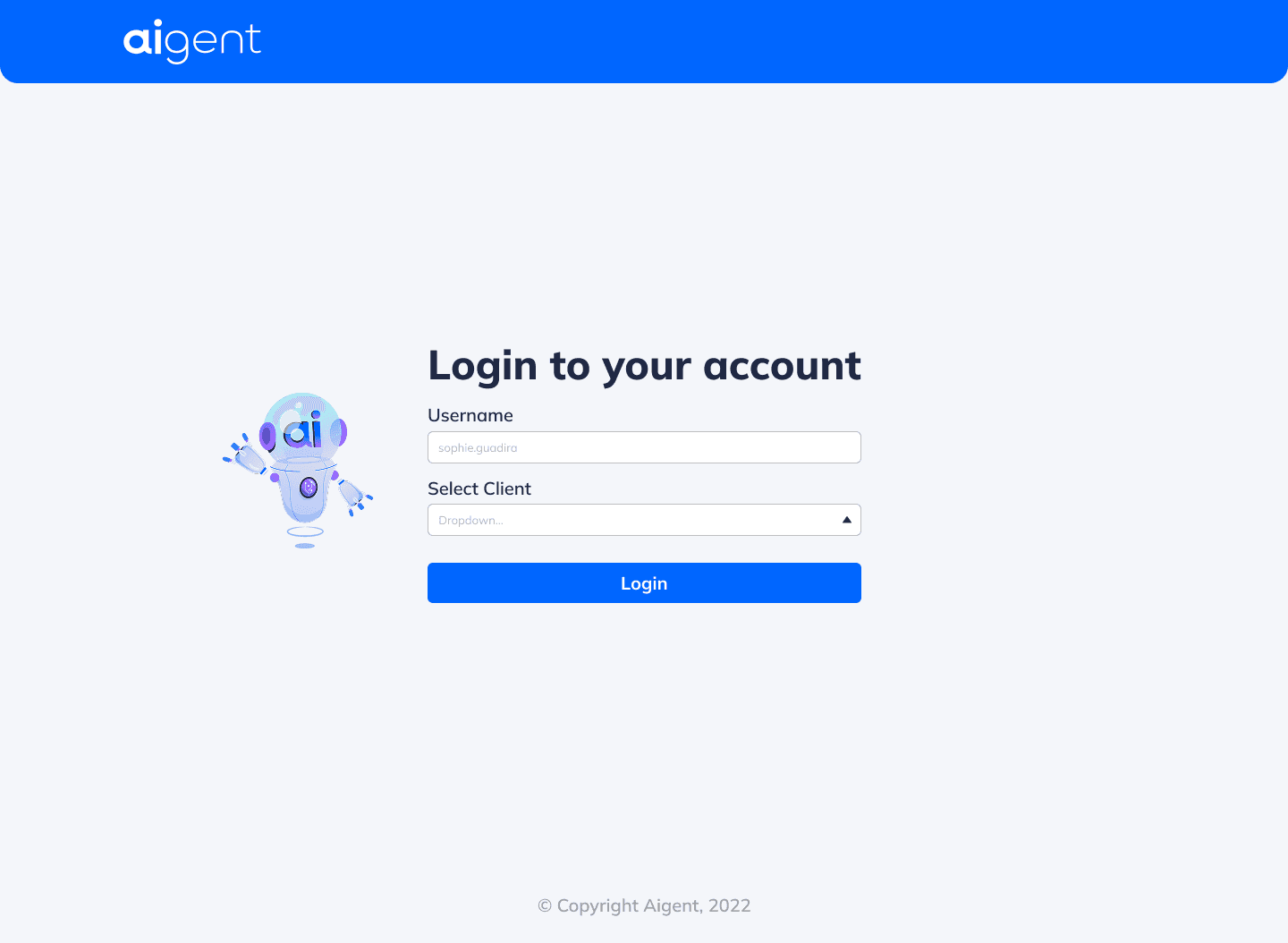
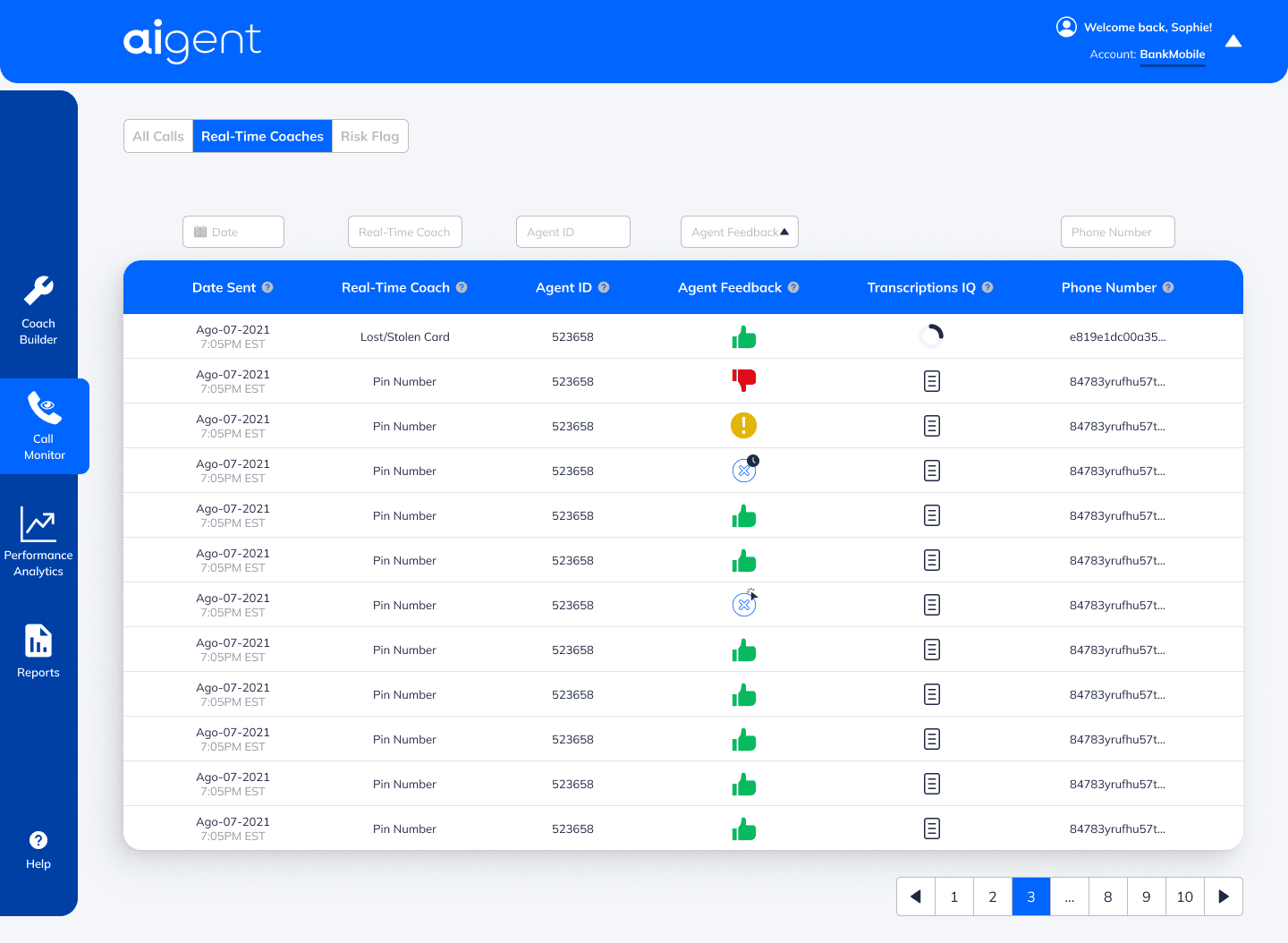
Redesign
Focused task-oriented interface
High-contrast brand accessibility
Standardized component hierarchy
Problem Statement
Poor layout, inconsistent spacing, and unclear data hierarchy made the tool difficult to use and visually outdated.
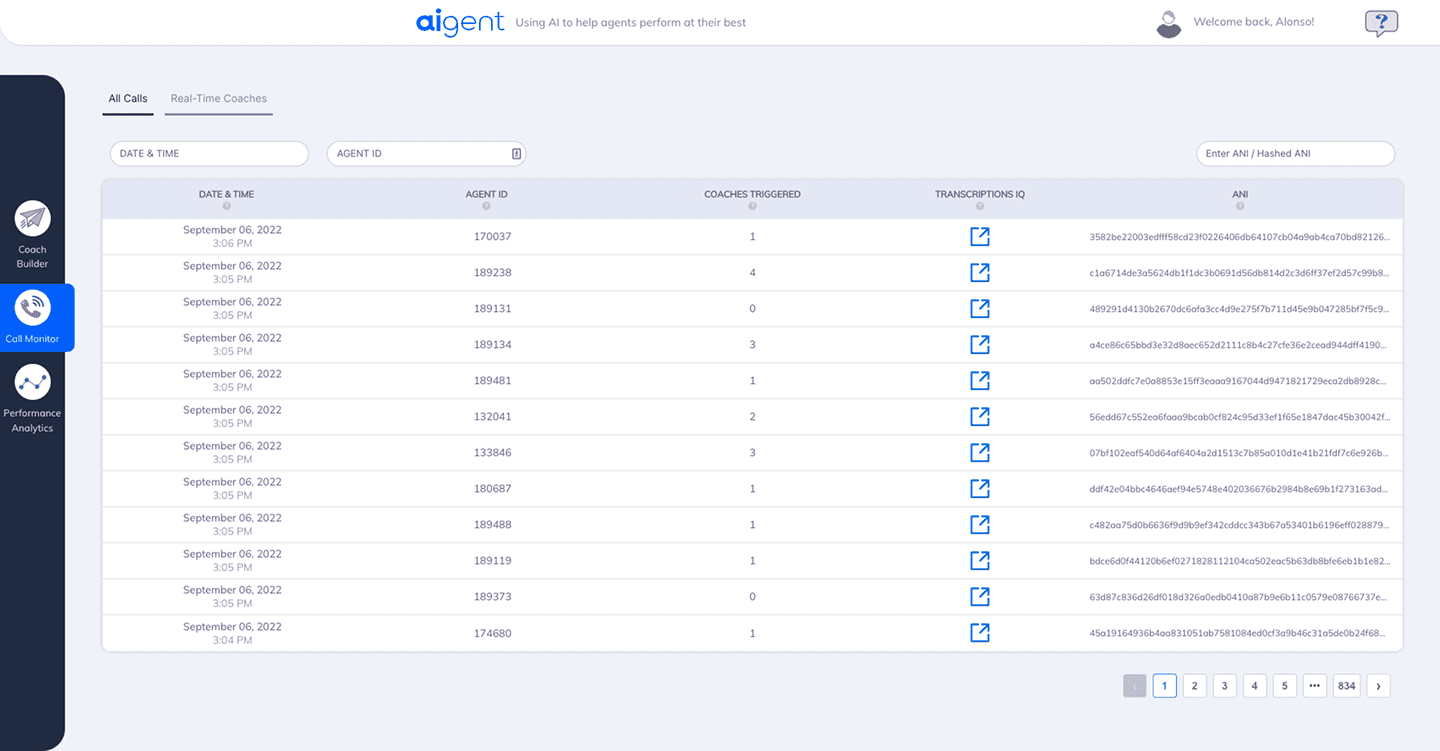
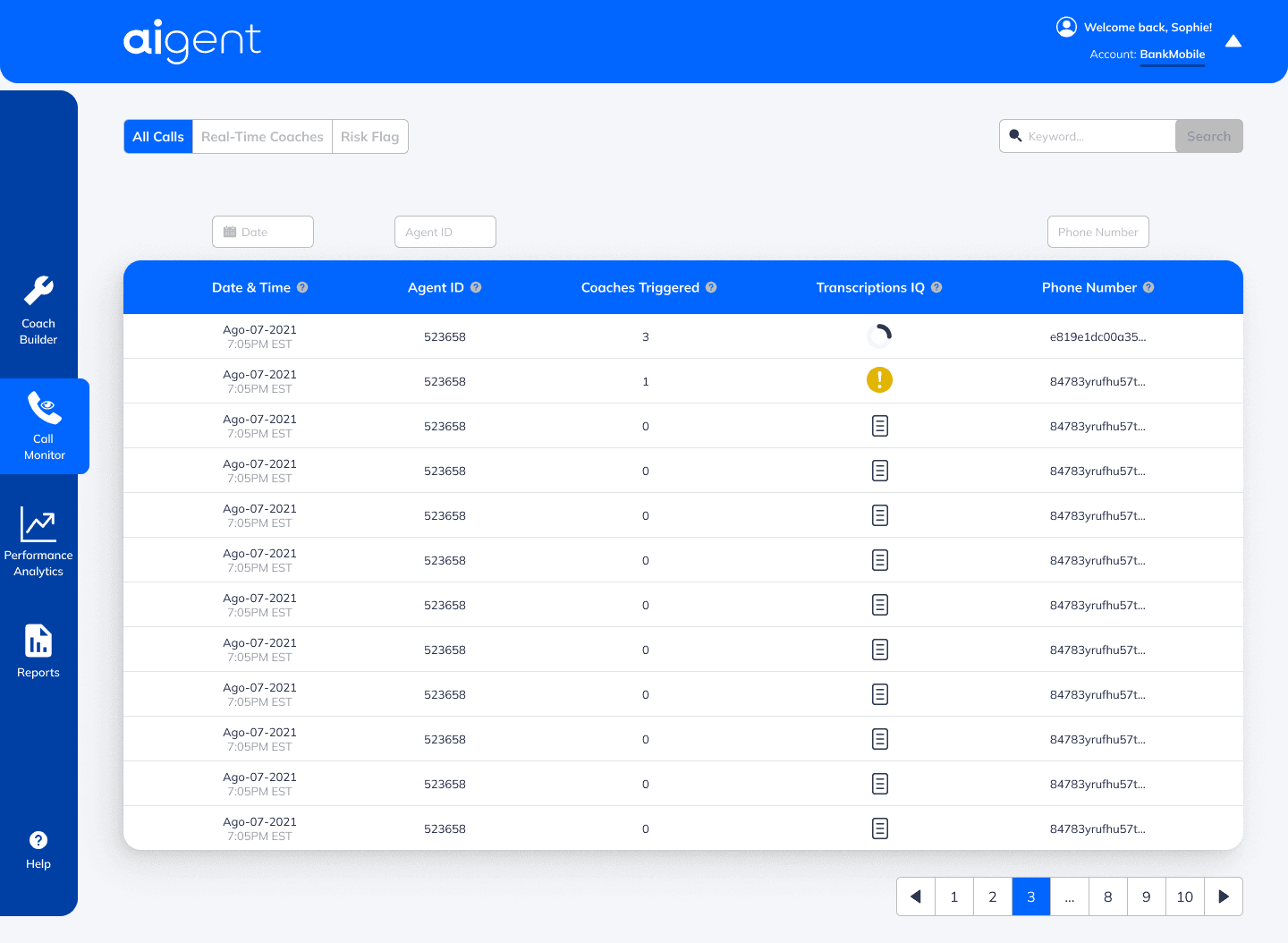
Legacy
Low-contrast data density
Passive information architecture
Undifferentiated action icons
Redesign
High-contrast data scannability
Contextual status indicators
Streamlined global searchability
Solution
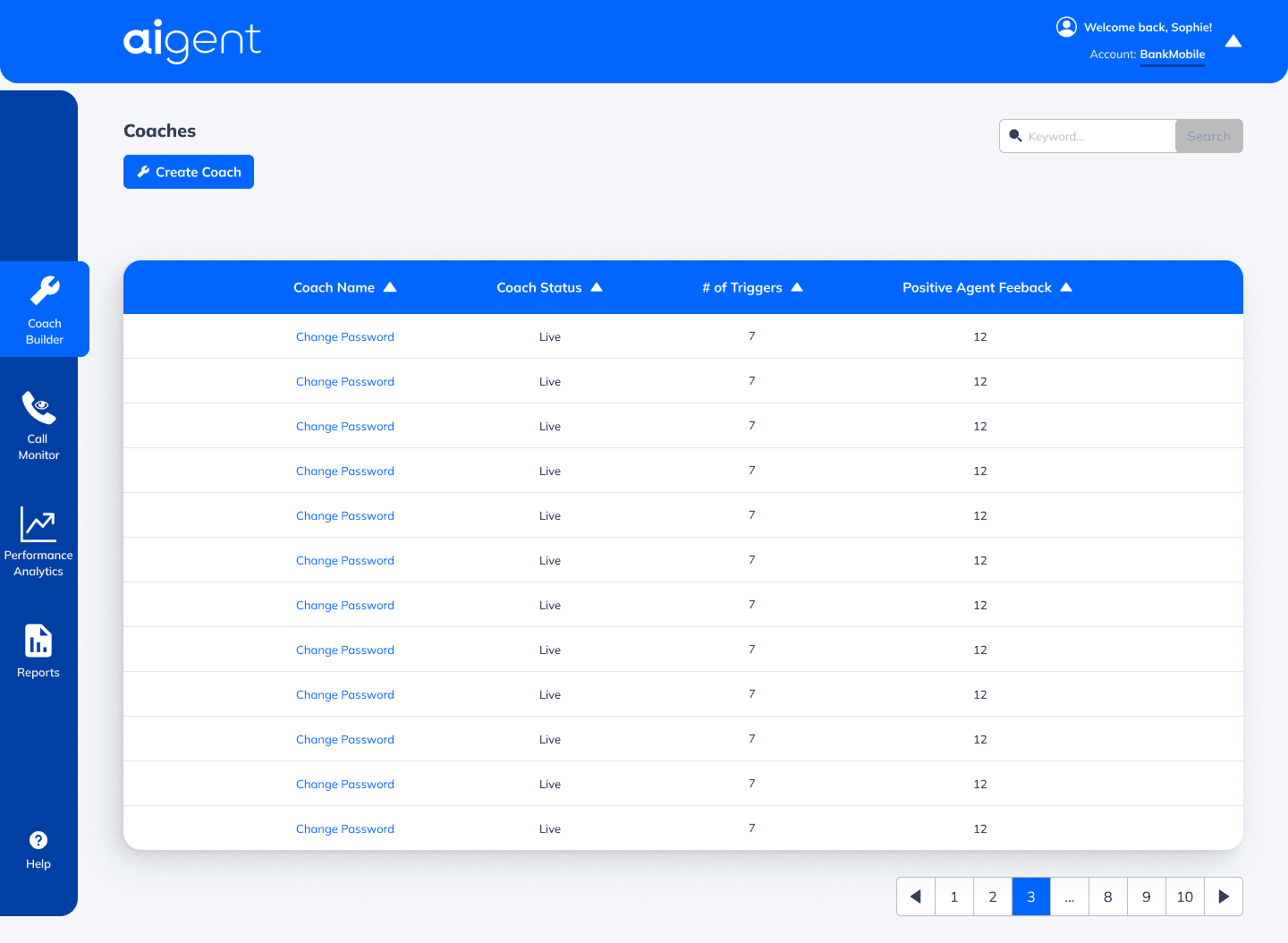
Coach creation and search management
Active AI bot status and metrics
Trigger performance and agent feedback table
Process
Identified usability issues through internal feedback
Rebuilt layout with consistent grid & spacing
Introduced improved visual hierarchy
Delivered a refined UI with clearer structure and modern styling
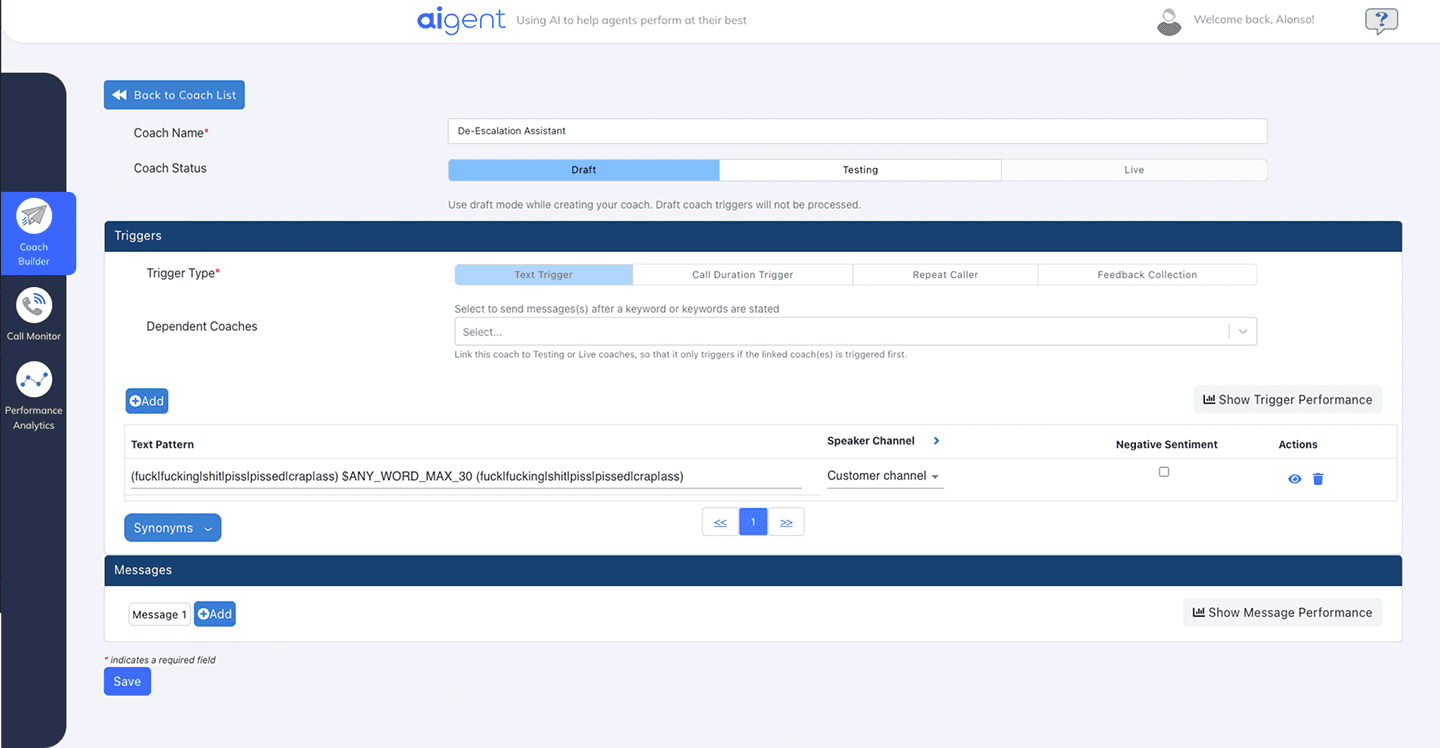
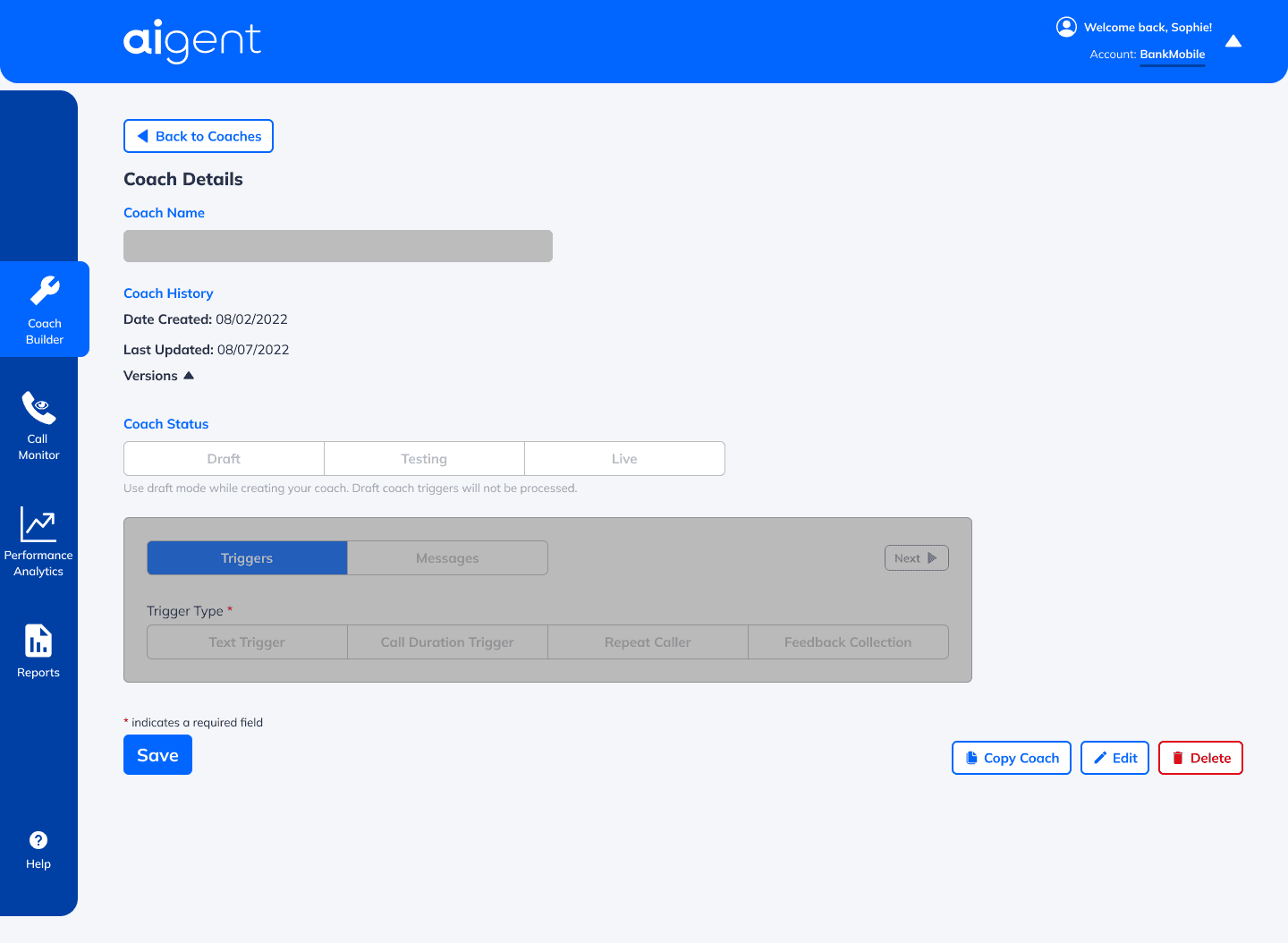
Legacy
Fragmented form hierarchy
Passive navigation cues
Low-Visibility primary actions
Redesign
Structured information scoping
Unified component alignment
High-clarity actionable CTAs
Results
Significantly improved readability and data clarity
Reduced visual clutter
Provided a scalable visual foundation for new features
Strengthened product professionalism and stakeholder confidence
Legacy
Weak visual hierarchy and contrast
Ambiguous iconography and feedback
Cluttered and dated UI components
Redesign
Modernized branding and visual depth
Standardized and intentional feedback loop
Optimized navigation and filtering
Key Wins
Cleaner UI
Better hierarchy
Stronger design consistency
More modern and intuitive experience
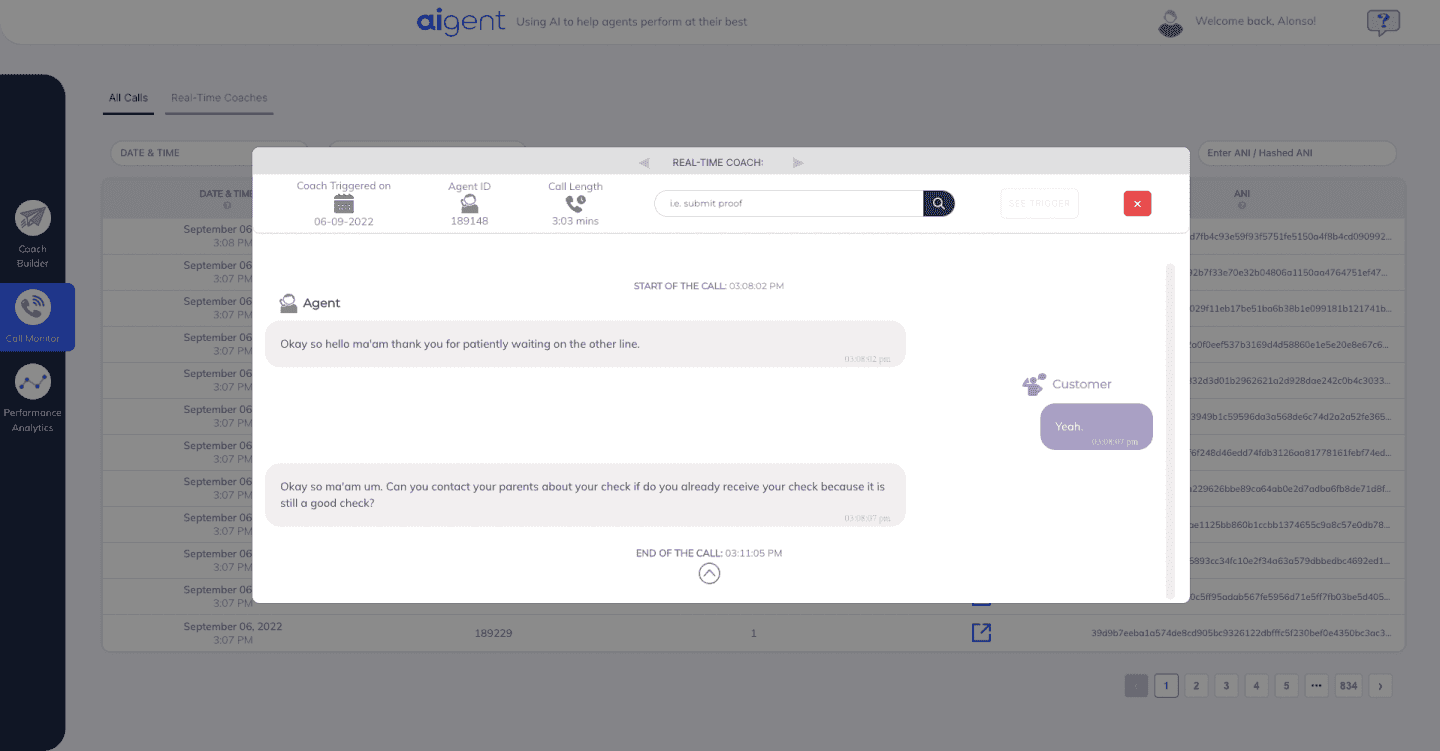
Legacy
Poor information hierarchy
Lack of contextual insights
Inefficient use of screen real estate
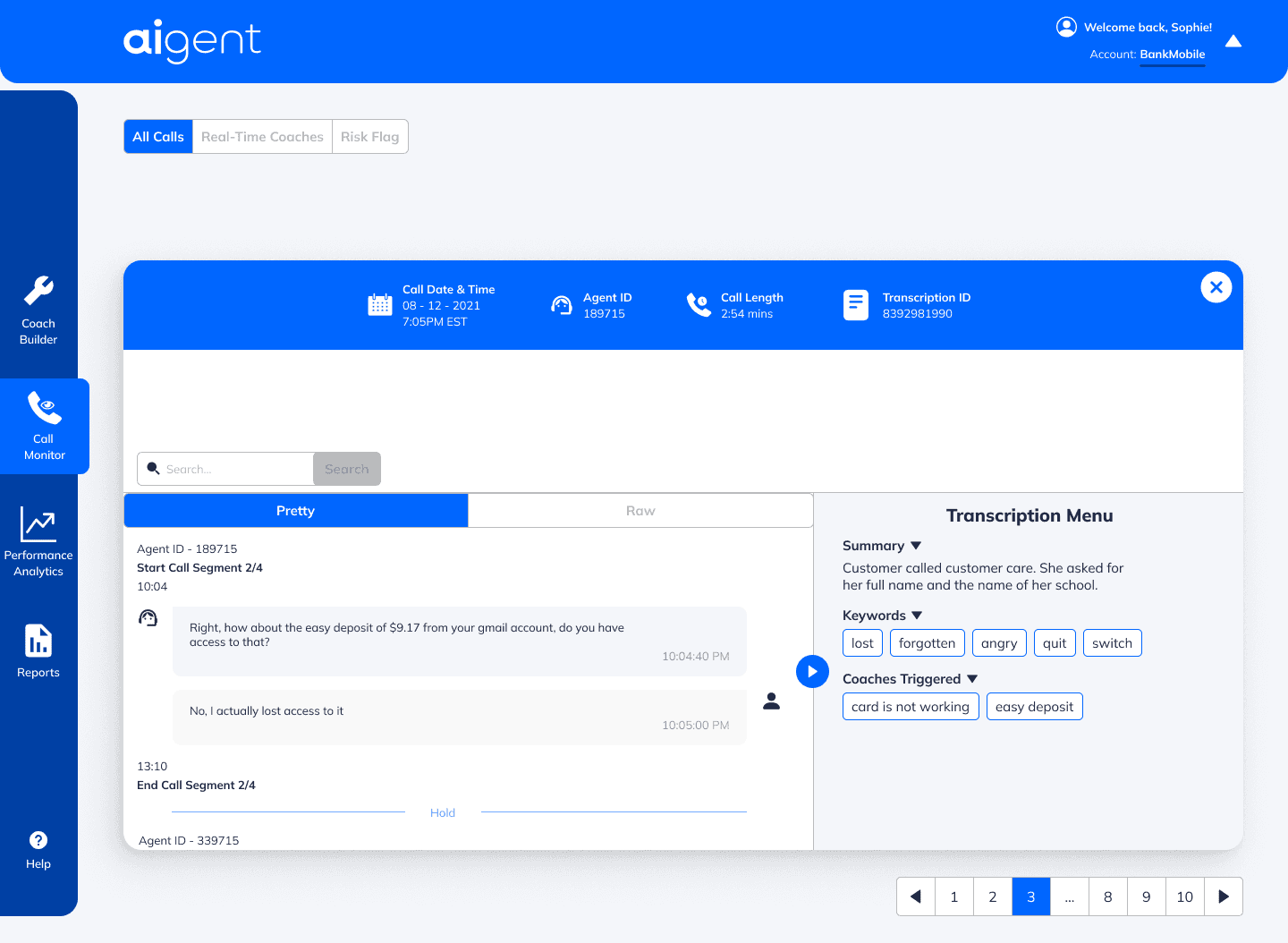
Redesign
Enhanced data visualization
Improved navigation and search
Clearer interaction design
UI Refresh
As I advanced in my design career, I realized my older designs didn’t reflect my current skills in visual hierarchy, typography, color, and spacing. To showcase my growth, I refined some key screens by:
Enhancing Visual Aesthetics - Improved typography, spacing, and color harmony.
Strengthening Usability - Clearer navigation, better CTAs, and improved readability.
Applying Design Best Practices - More consistent grids, refined corner radiuses, and a polished UI system.
These updates demonstrate how my design knowledge and Figma expertise have evolved, leading to cleaner, more effective interfaces.
PORTFOLIO
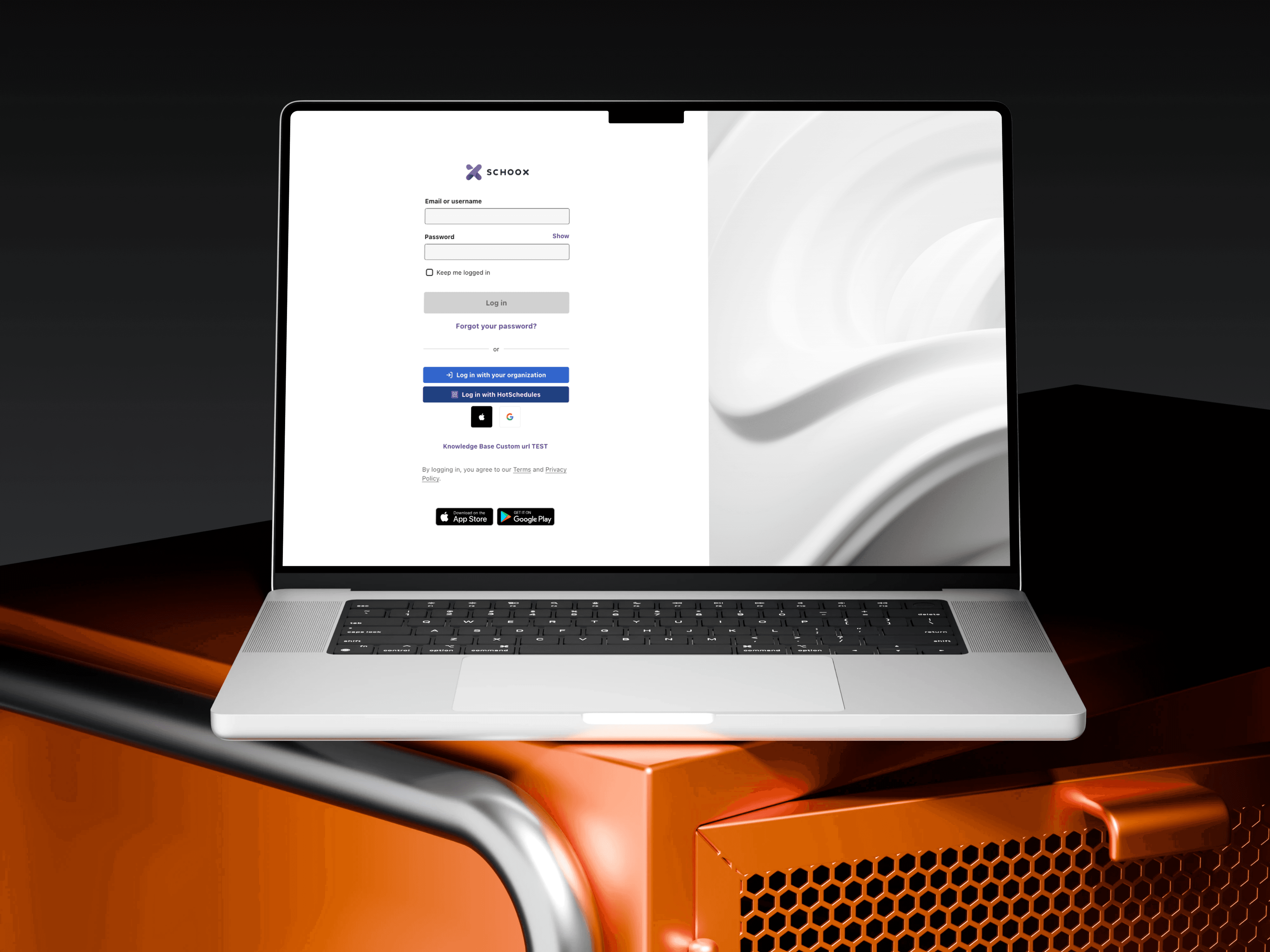
EdTech Redesign
EdTech Redesign
EdTech Redesign
February 2023 - May 2025
Web & Mobile
UX/UI, Web Enterprise Software

DriveMy
DriveMy
DriveMy
3 weeks (2021)
Mobile
UX/UI, Consumer Product