Improved visibility into AI call performance and reduced time to identify issues
Teams using AI voice systems lacked clear visibility into what happened during calls, making it difficult to evaluate performance, identify issues, and improve outcomes.
Product Designer
2022
~6 months
Product Designer
Founder
Product Owner
Engineers
Data Scientist
Dashboard design
Data visualization
System workflows
UI redesign
Interaction design
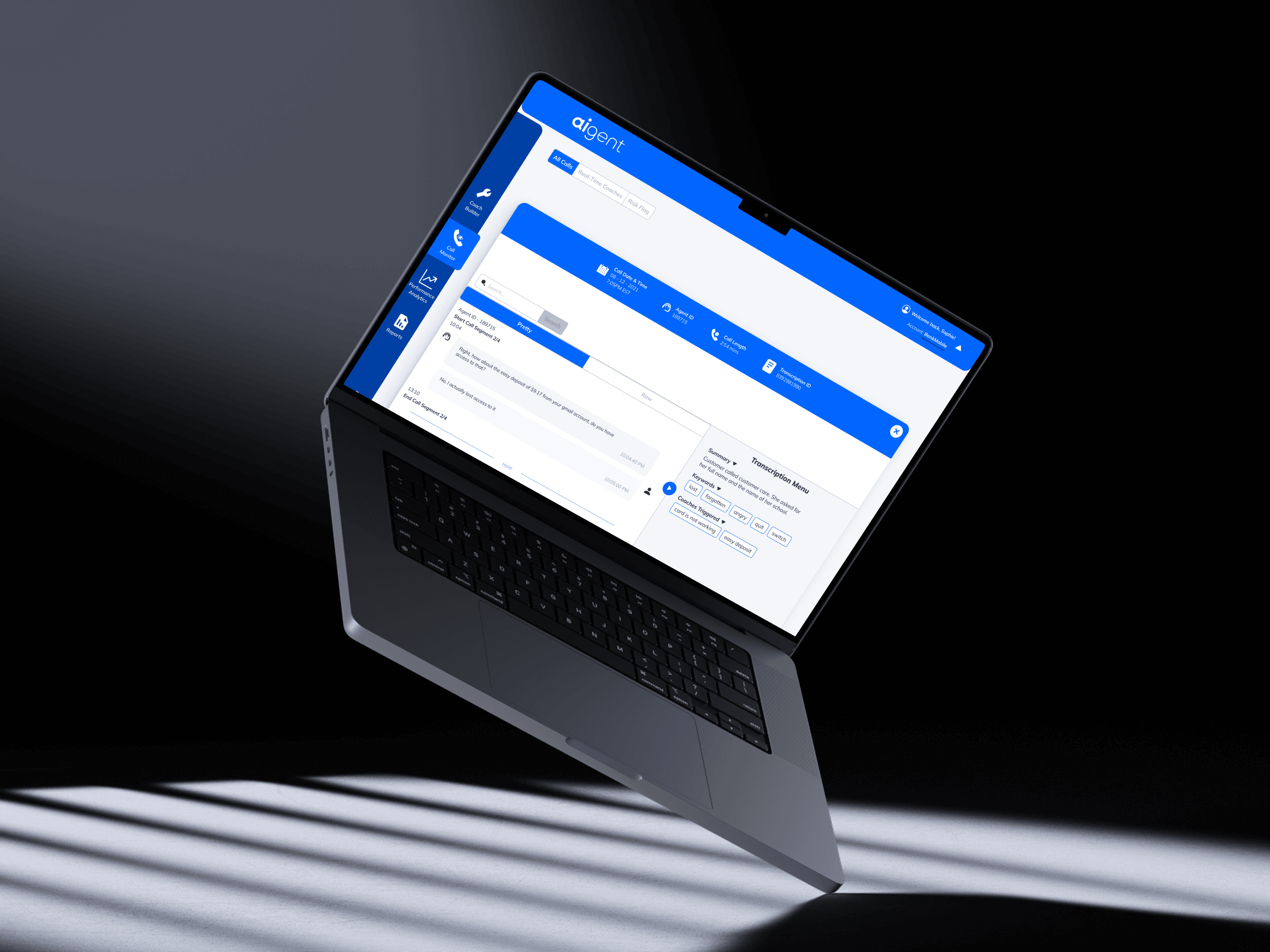


AI handled the calls, but humans still needed to understand and improve them.
While AI systems could automate conversations, teams lacked tools to review what actually happened, identify issues, and take action.
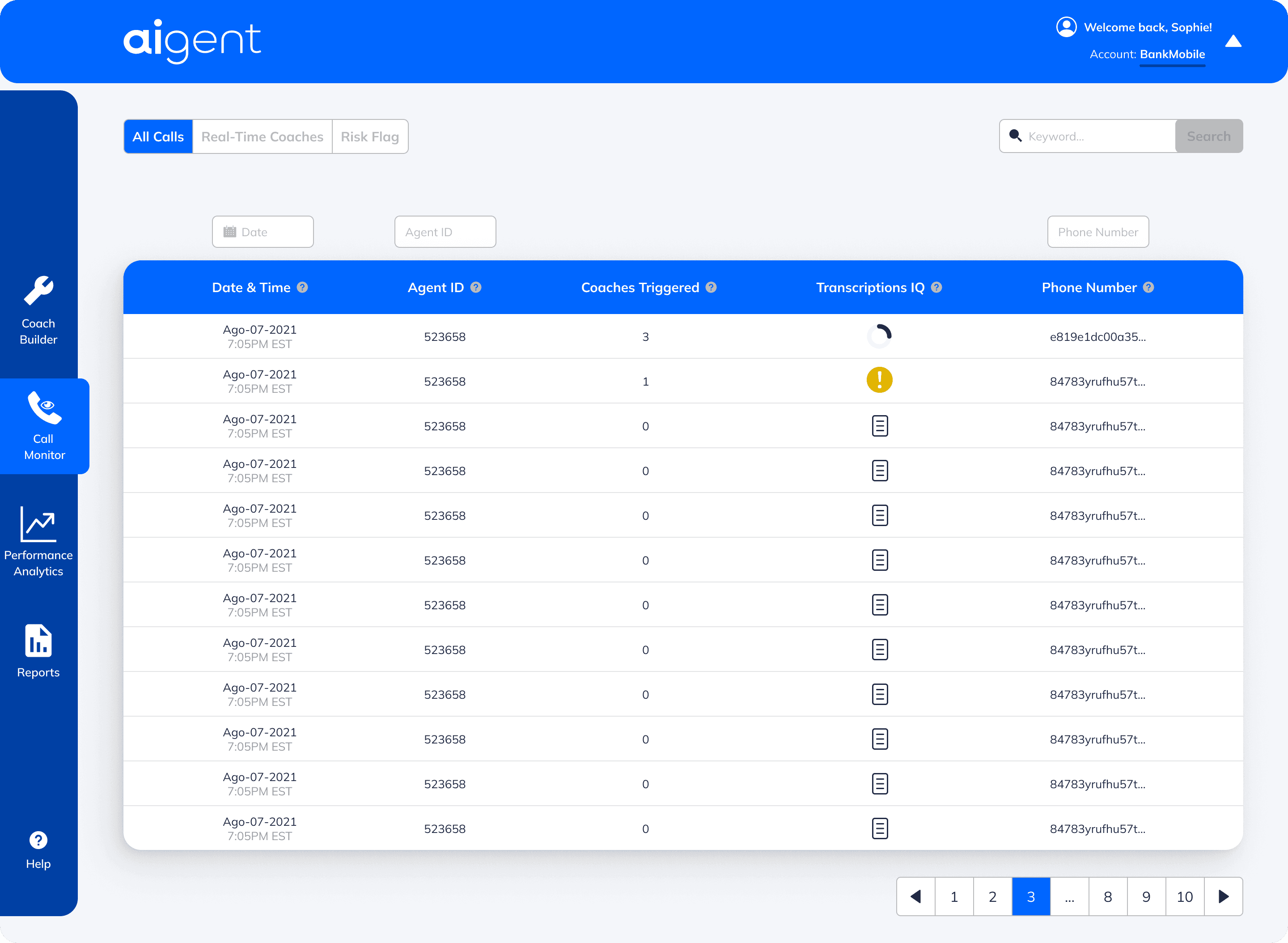
Teams had access to call data, but limited ability to interpret or act on it
Problem framing | Understanding workflows | Identifying gaps in post-call analysis
Make large volumes of call data scannable and actionable.
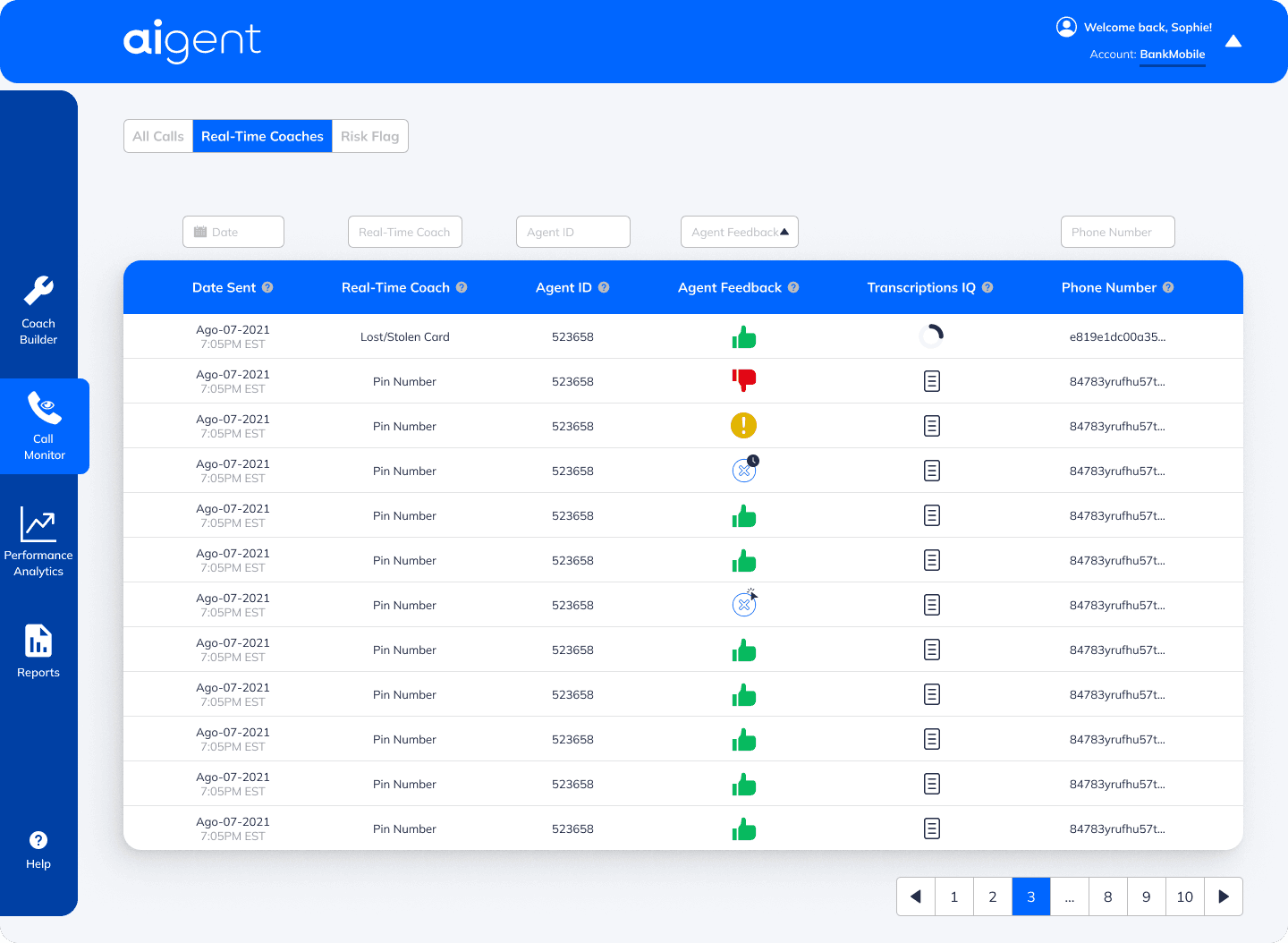
Users needed to quickly filter, scan, and identify relevant calls without digging through raw logs.
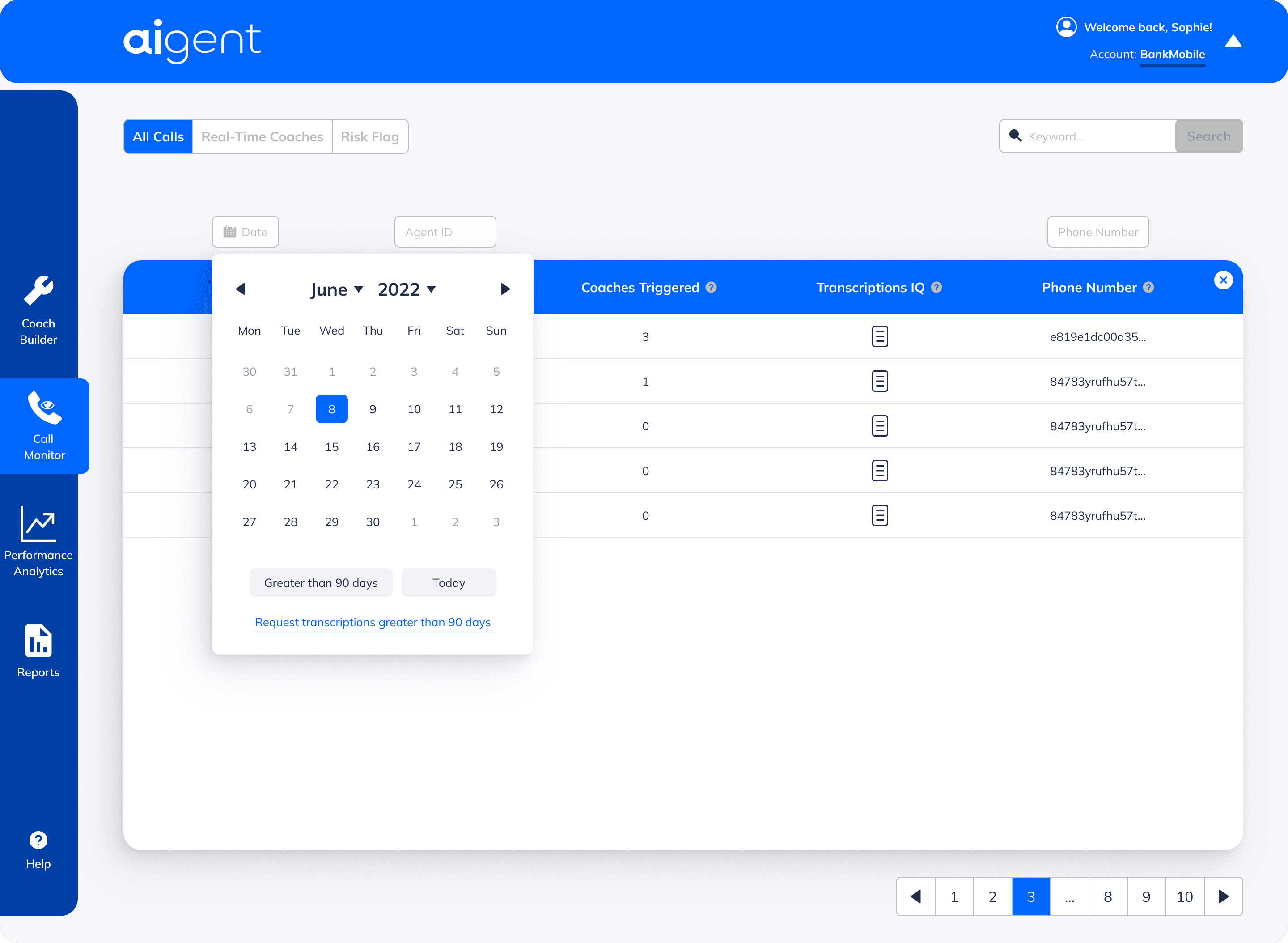
Structured call data enables quick scanning and filtering
Table design | Hierarchy | Filtering | Pagination | Data prioritization
Turn raw transcripts into structured, understandable insights.
Raw transcripts were difficult to interpret. I designed a structured view that highlights key moments, summaries, keywords, and triggered events.
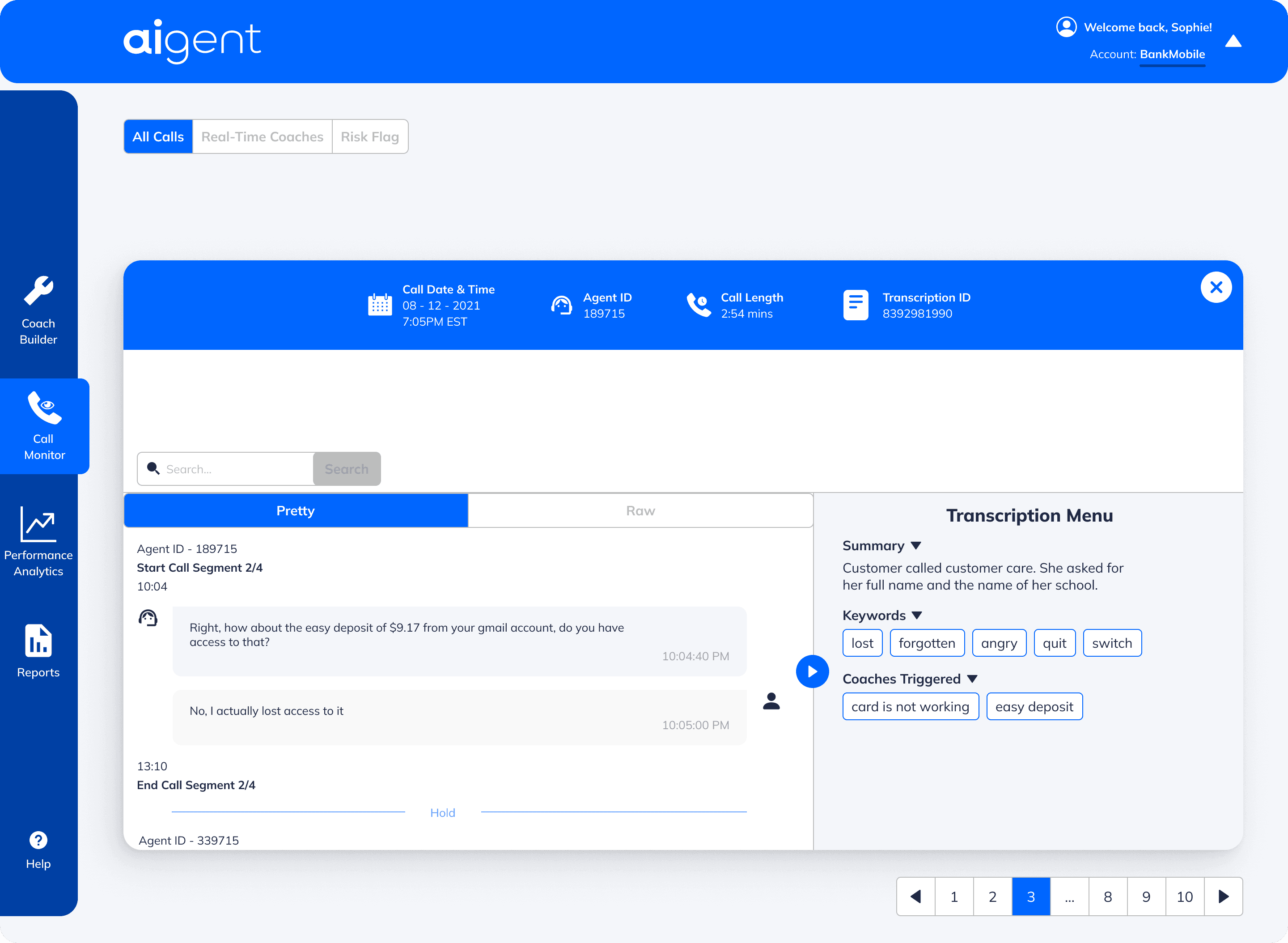
Structured transcription view surfaces key insights from each call
Information architecture | Content hierarchy | Interaction design
Enable teams to act on insights by configuring AI behavior.
Once issues were identified, users needed a way to improve future calls. I designed flows to create and manage “coaches” (rules/triggers for AI behavior).
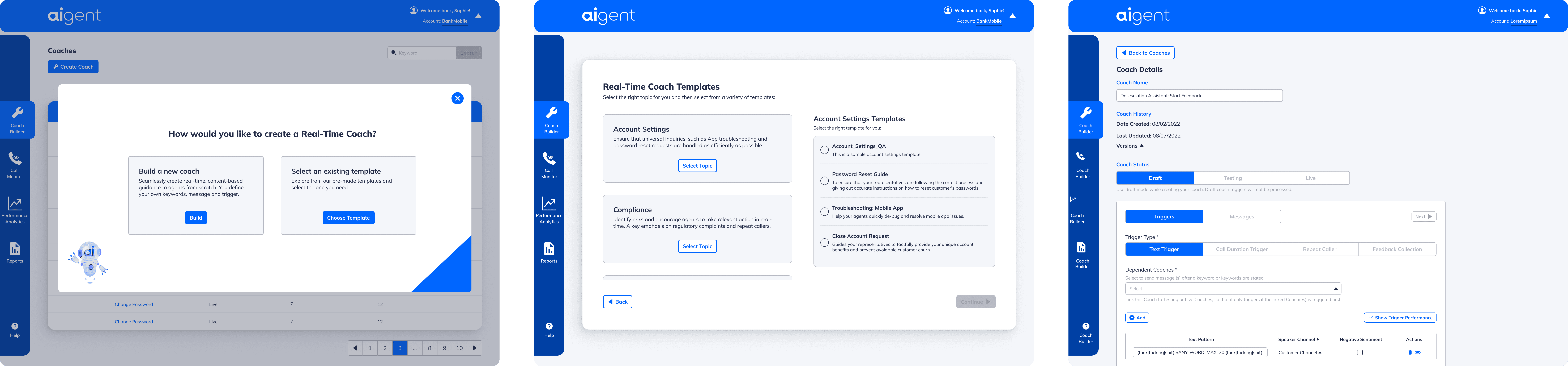
Users can create and manage AI coaching rules based on call insights
Information architecture | Content hierarchy | Interaction design
Help teams identify patterns across calls over time.
Beyond individual calls, users needed a way to track trends, recurring issues, and overall performance.
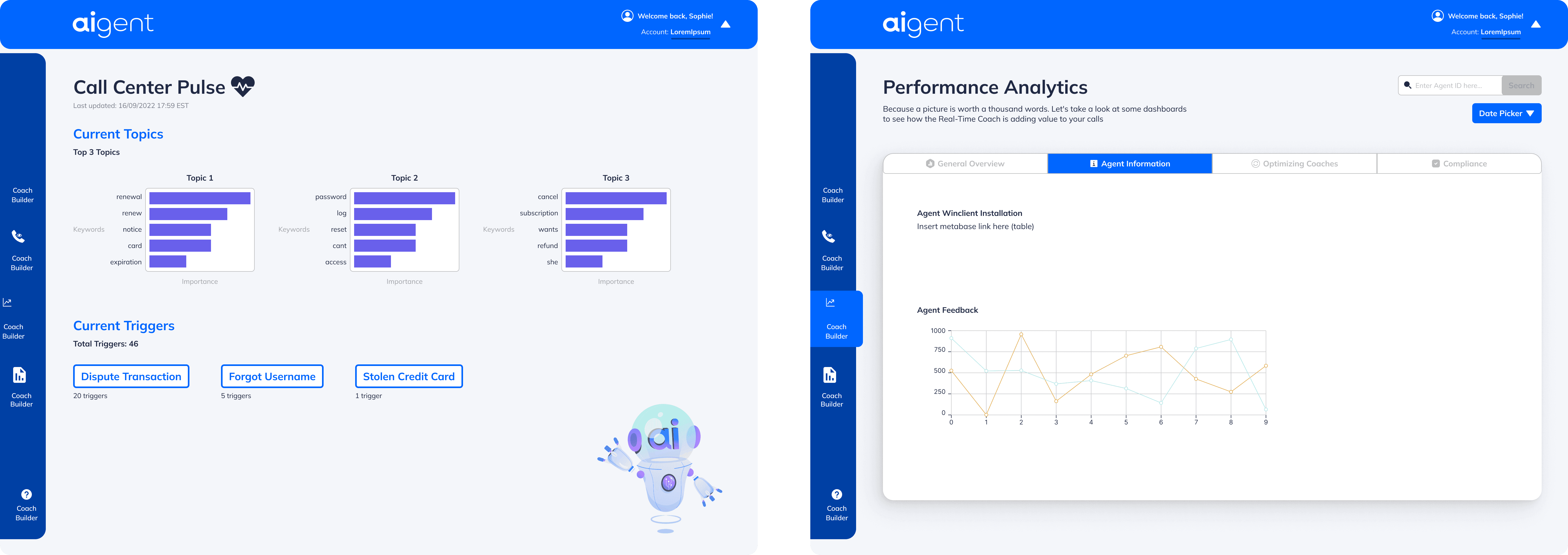
Analytics surfaces trends across calls and key topics
Data visualization | Dashboard design | Prioritization
Help users understand a complex system quickly.
Given the complexity of the platform, I designed onboarding and documentation surfaces to help users get started and understand key concepts.
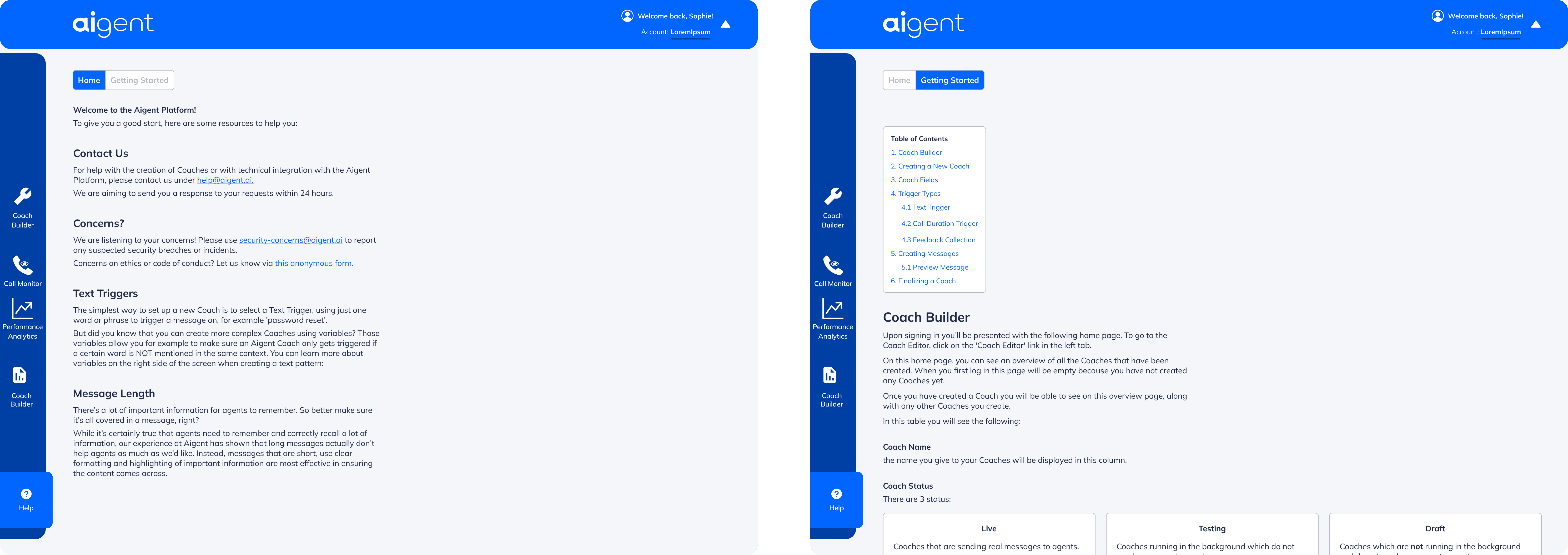
Onboarding helps users navigate and understand the platform
Data visualization | Dashboard design | Prioritization
Conclusion
Current Project Status
Shipped product used by teams to monitor and improve AI-driven call experiences
Next Steps
Improve automation of insights
Enhance real-time feedback
Explore predictive analytics
Lessons Learned
Designing for AI systems requires translating complex outputs into clear, actionable insights for humans.
What I'd Do Differently
I would involve users earlier to validate how they interpret and act on call data.
Transforming complex call data into actionable insights
UI Refresh
As I advanced in my design career, I realized my older designs didn’t reflect my current skills in visual hierarchy, typography, color, and spacing. To showcase my growth, I refined some key screens by:
Enhancing Visual Aesthetics - Improved typography, spacing, and color harmony.
Strengthening Usability - Clearer navigation, better CTAs, and improved readability.
Applying Design Best Practices - More consistent grids, refined corner radiuses, and a polished UI system.
These updates demonstrate how my design knowledge and Figma expertise have evolved, leading to cleaner, more effective interfaces.
PORTFOLIO
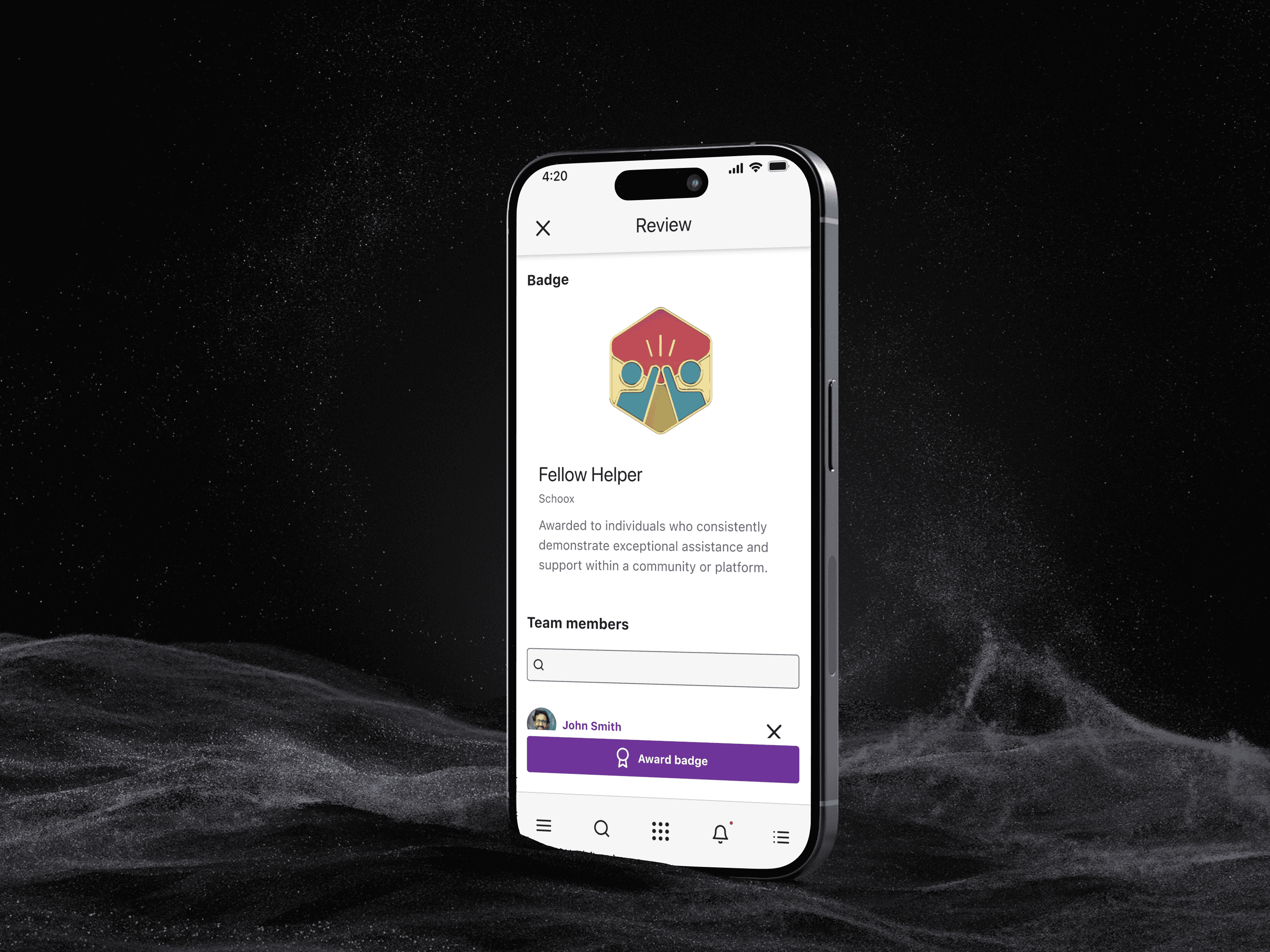
Award Badges
Award Badges
Award Badges
2024
~6-8 weeks
SCHOOX
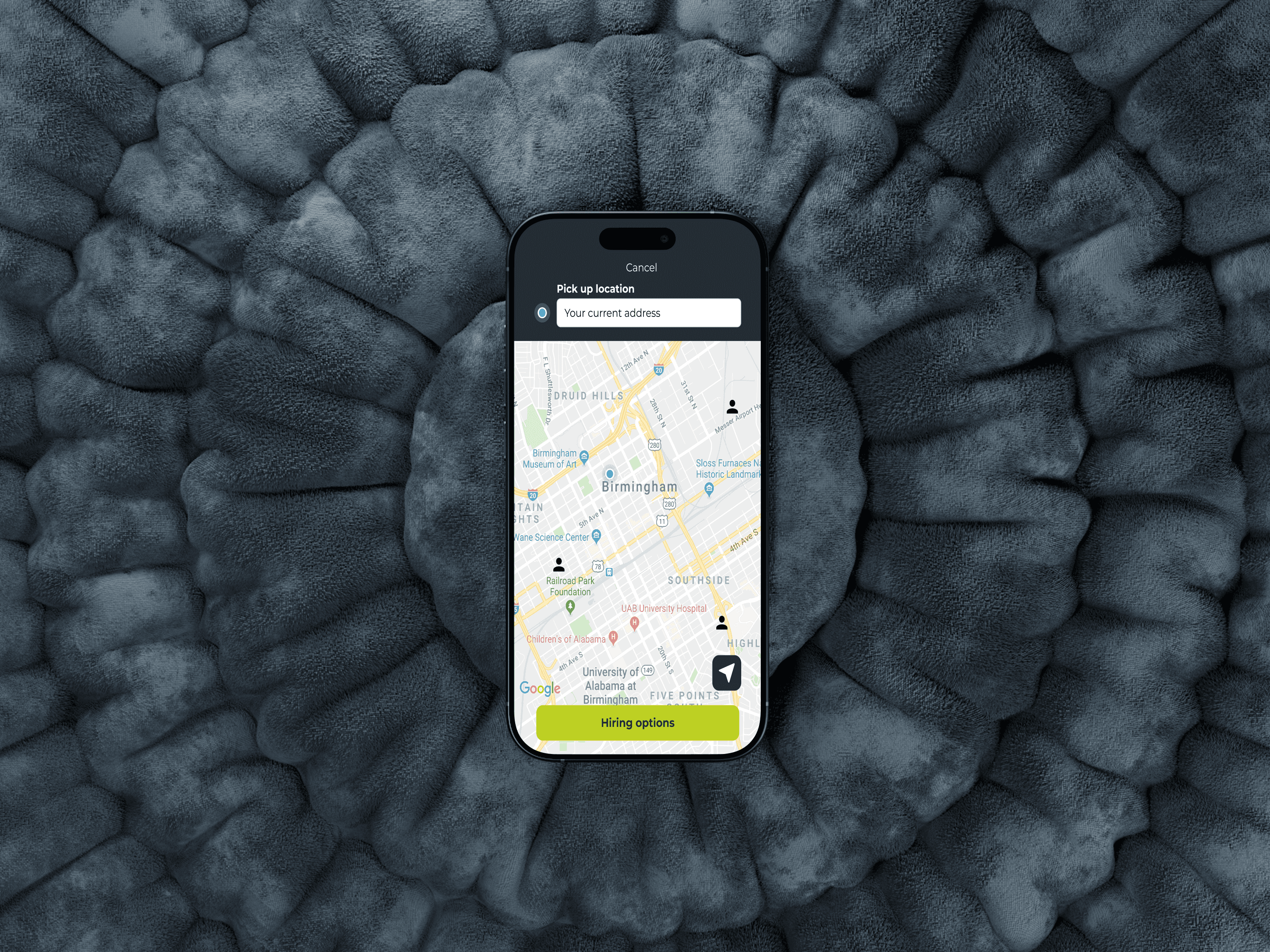
DriveMy
DriveMy
DriveMy
2021
~3 weeks
DRIVEMY